Turn your talking videos into short clips.
Clean cuts. Captions. Your choice of 8 styles.
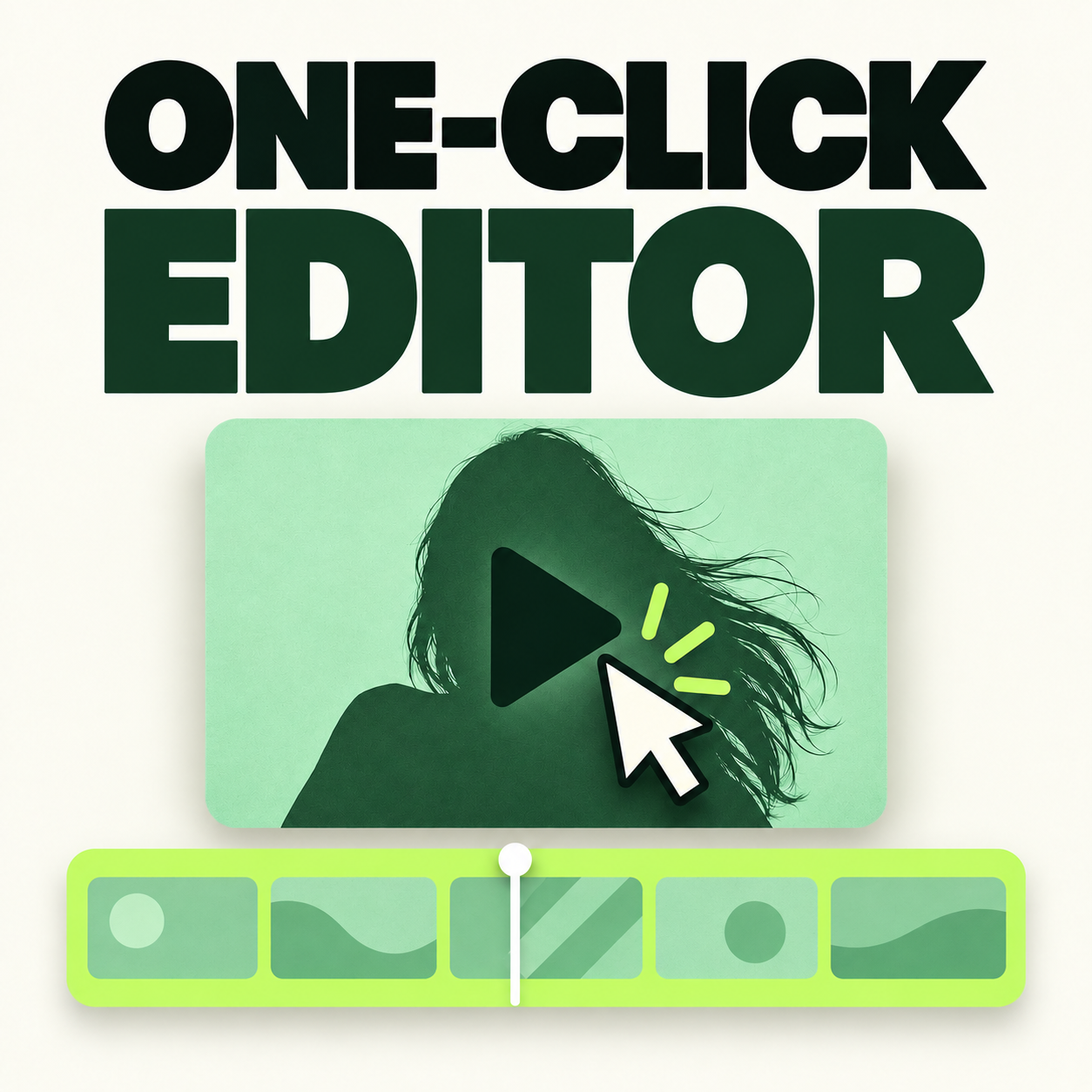
Same recording: 4:24 before, 1:37 after. Tap for sound.
For Mac & Windows. Your own paid Claude Code subscription is required.
Launch bonus: your own video portal, included free through October 14.
Record on your phone. Edit on your Mac or Windows computer. Watch the draft before you post.
One take on your phone. Flub a line? Pause, say it again, keep rolling.
Reads the whole take, keeps your best version of every line, cuts the rest. Captions, hook on frame 1, post caption.
“Cut the tangent about pricing. The ending feels abrupt.” Plain English.
Makes the changes. Ask it to save your preferences for future edits.
Give feedback on the first few edits. Save the choices you want to use again.
Download the kit and open it in Claude Code. Follow the setup guide. Claude helps install the free tools and create your video folders.
Tell it what you like. Share who you speak to, how you want to sound, and how fast the edit should feel.
Share a few examples. Give Claude your own videos or references you have permission to use.
Pick one of 8 styles. Try the fonts and colors. Ask Claude to show a short preview on your footage.
Review your first edit. Put a recording in your inbox folder and ask Claude to edit it. Give notes, check the result, then post.
Allow 1 to 3 hours for your first setup and edit. Time varies with your computer, downloads, and footage.
From two people using the editor.
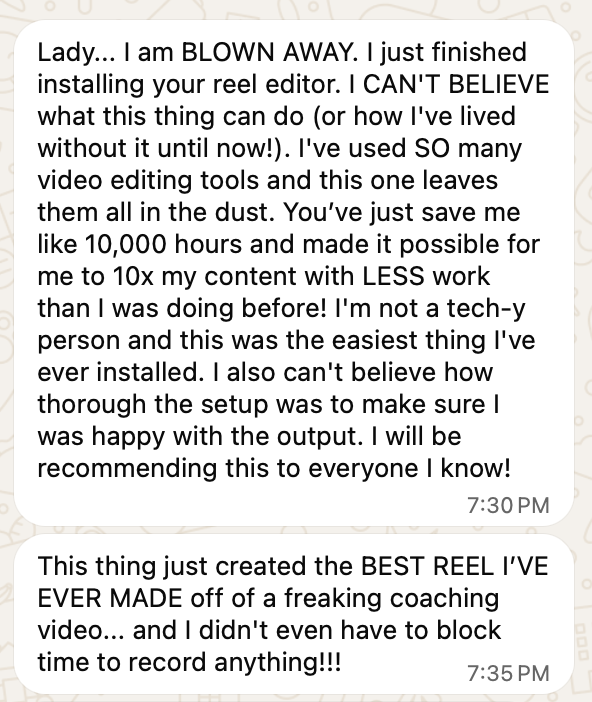
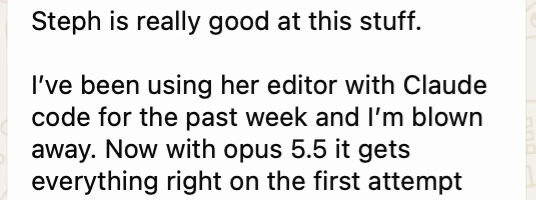
These are their results, with their footage and their workflow. Yours depend on what you record and how much.
Four raw takes and their finished edits. Pick a video and turn the sound on.
The hard part isn’t always talking on camera. It’s finding time to edit what you filmed.
Record your take. Let the editor make a draft. You get the final say.
Get the editor by October 14 at 11:59pm ET and get access to your local video portal free. Keep your videos and style choices in one place.
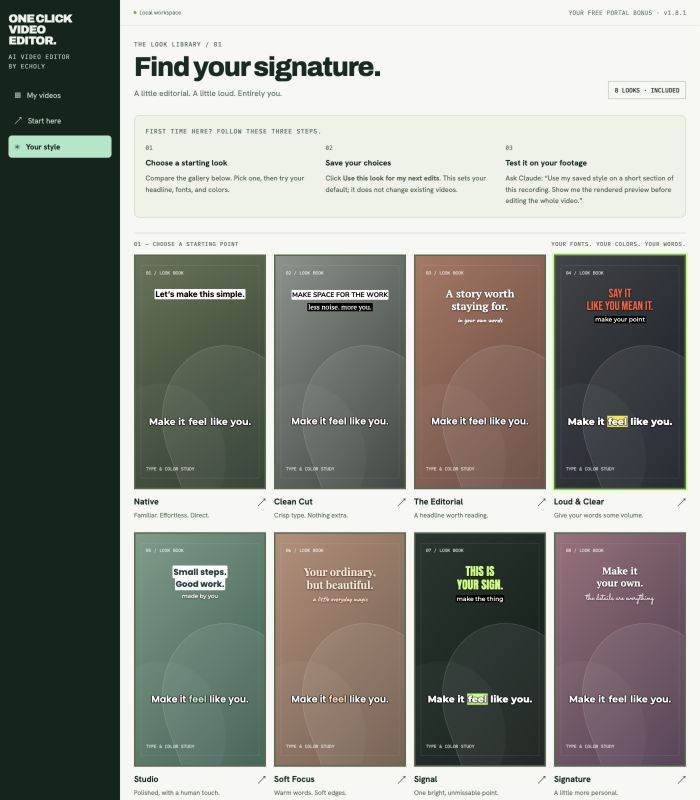
See what’s ready to edit, what needs review, and what’s finished.
Choose a style. Try your fonts and colors. Save your choices for future edits.
Follow the setup guide and use prompts to ask Claude for changes.
The portal opens in your browser and runs on your computer. Claude Code does the editing. Keep files locally, or in a Dropbox or Drive folder with the files downloaded to your computer.
Start with a style you love. Make it yours with your fonts and colors. Switch it up for your next video.
Style previews with the editor woman silhouette to show text placement. The silhouette and backgrounds are not added to your videos. Ask Claude for a short rendered sample on your own video before editing the full take.
“Cut that part.” “Make the captions bigger.” “Try another opening.” Tell Claude what to change, then review the next draft.
Get the editor, all 8 styles, a setup guide, and prompts you can copy and use.
Pay once for the kit. Your own Claude Code subscription is separate and has usage limits.
Get my editor →I knew I needed to post. I had ideas and footage. What I didn’t have was time to turn it all into finished videos.
I had hired editors before. Training someone took time, and I had to start over when they left. So I built this with Claude.
Now I record, ask for an edit, and give notes. That’s the workflow I’m sharing with you.
“The editor handles the production side, which allows me to focus on the higher-level creative decisions.”
“These interviews usually last between one and one and a half hours, and the goal is not to create one piece of content… After each interview, I upload the raw footage into the editor and use the transcript to map the content into different formats…”
“The most impressive part is that after about a month and a half of using it, the editor has learned our workflow, our style, and the specific requirements for each type of content.… The editor is helping us create around 10–12 usable video assets every day from a single content source, plus the podcast episode.”
$97
Your order includes:
You’ll need: a Mac or Windows computer, about 3 GB of free disk space, and your own paid Claude Code subscription, purchased separately from Anthropic. The full list.
Here’s what you need to get started.
Edit time depends on your computer and video. If you reach your Claude usage limit, you may need to wait before you continue.
You don’t need to know how to code. Start with the setup guide, open the kit in Claude Code, and paste the setup prompt. Claude walks you through the steps. Allow time for downloads, tool installs, and your first edit.
A Mac or Windows computer, your own paid Claude Code subscription, and room for video files. Allow 1 to 3 hours for setup and your first edit. You don’t need to buy a separate video editing app.
You pay once for this kit. Your Claude Code subscription is separate and paid to Anthropic. There are no per-video fees from me. Claude usage limits still apply.
You direct this editor with words. Ask Claude to cut a section, change a caption, or try another opening. It makes a draft for you to review. You can still use CapCut to add effects after you export.
Share your voice, style, and a few examples during setup. Give notes on the first drafts and ask Claude to save the choices you want it to use again. You should still review each video.
Yes. Ask for a clean version of a long talking video, or ask Claude to find short clips inside it. Review the clip choices and framing before you export. Longer videos take more time and may use more of your Claude plan.
The video files are edited on your computer. Claude may receive the transcript and selected frames to help with the edit. The local portal is not a cloud video storage service.
Check your purchase email for your personal access link. Open the guide, download the kit, and follow the setup steps. Need help? Email hello@thestephlombardo.com.
Your next video is already sitting in your camera roll.
